

People and cards
A pupil or staff member with a MIFARE or Unique card. The card has a name, a number and a PIN from the controller, and can be deactivated or transferred to another person.
Proximity cards on the doors, a log of taps from the readers and a group presence report at the end of the day. The module collects events from the controllers already installed in the school and turns them into a list: who, through which door, at what time.
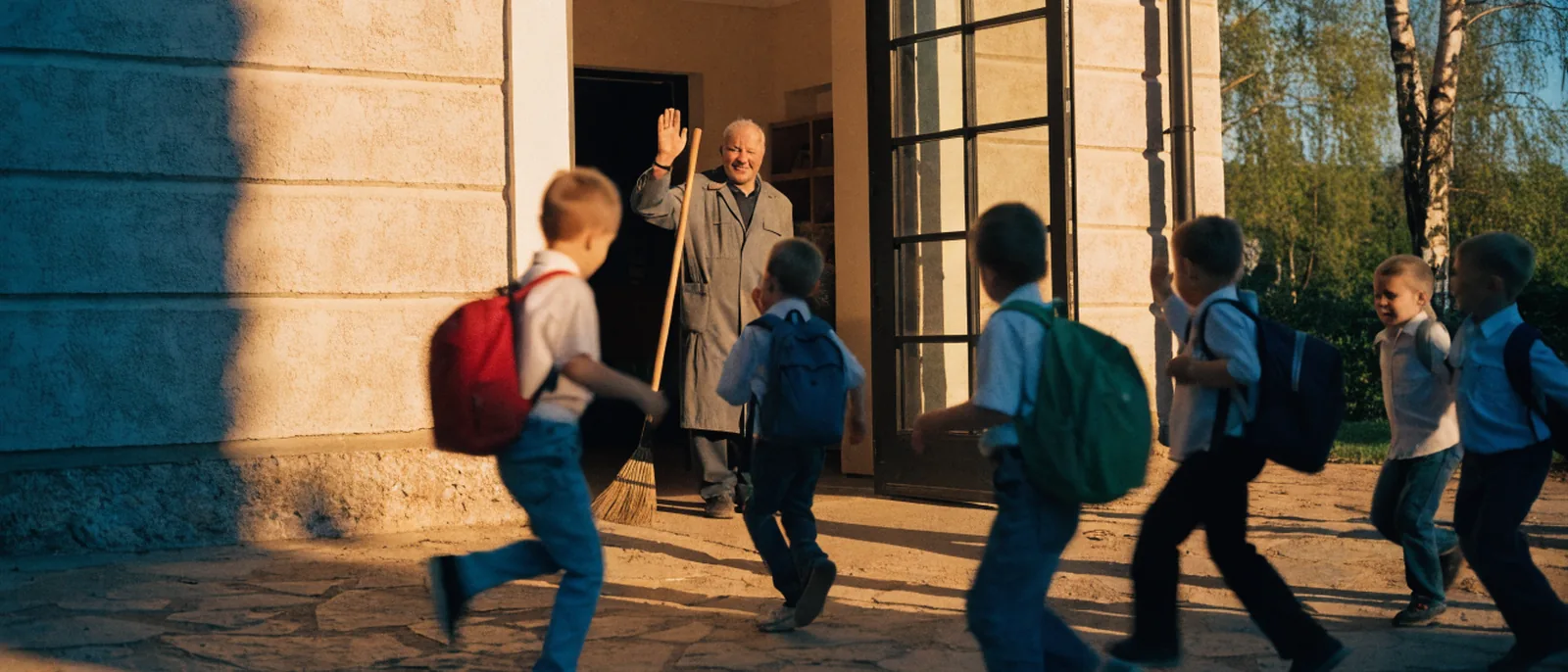
And he knows which doors creak. He just doesn’t have to remember who came in through the side entrance after lessons. The reader records that.
The events come from the controllers on the doors. The app does not invent them; it only puts them in order.
Entry is the first tap before the cut-off time, exit is the last one after it. The school sets the cut-off and the time limit.
| No. | Full name | Entry time | Exit time | Time on site | Excess time |
|---|---|---|---|---|---|
| 1 | N. Adam | 07:41:12 | 15:32:40 | 7 h 51 min | 0 min |
| 2 | D. Piotr | 07:49:03 | 16:40:21 | 8 h 51 min | 51 min |
| 3 | L. Julia | 07:55:48 | 13:05:10 | 5 h 10 min | 0 min |
| 4 | R. Olga |
A pupil or staff member with a MIFARE or Unique card. The card has a name, a number and a PIN from the controller, and can be deactivated or transferred to another person.
Door controllers addressed by IP, each with named doorways. Single and double doors.
A class, support staff, teachers. The group is the basis of the daily report.
Access, denial, unknown card, exit button, device start-up. Filter by person, type and date.
Group presence for a day and a personal report for a date range: entry, exit, time on site, excess over the limit.
A kiosk in the corridor: a pupil taps their card and answers a school survey. Results in the app.
On a page about children’s safety, this matters as much as the list of features.
What is recorded is a card tap at a specific door, not a person’s location in the building. There is no map and no “who is in school” view.
Time on site is the difference between the first and the last tap. It is not a working-time record and does not replace the class register.
The door controller decides whether the door opens. The app does not control the lock remotely and does not connect to CCTV.
You set the retention period, in line with your own legal basis. We agree the scope of the log before go-live.
The module works with card-operated door controllers. If the school already has readers, we connect them. If not, we start with one door, usually the main entrance.
No. What is recorded is a card tap at a door. The app does not know where a person is in the building and has no cameras.
No. The report shows the first and the last tap of the day. It does not distinguish breaks or work-related outings, and it is not a working-time record.
The school office deactivates it in the app and issues a new one. The tap history of the old card stays in the log.
You set the retention period, in line with your own policy and legal basis.
With one building, one controller and a list of people with their groups. We issue cards in stages.
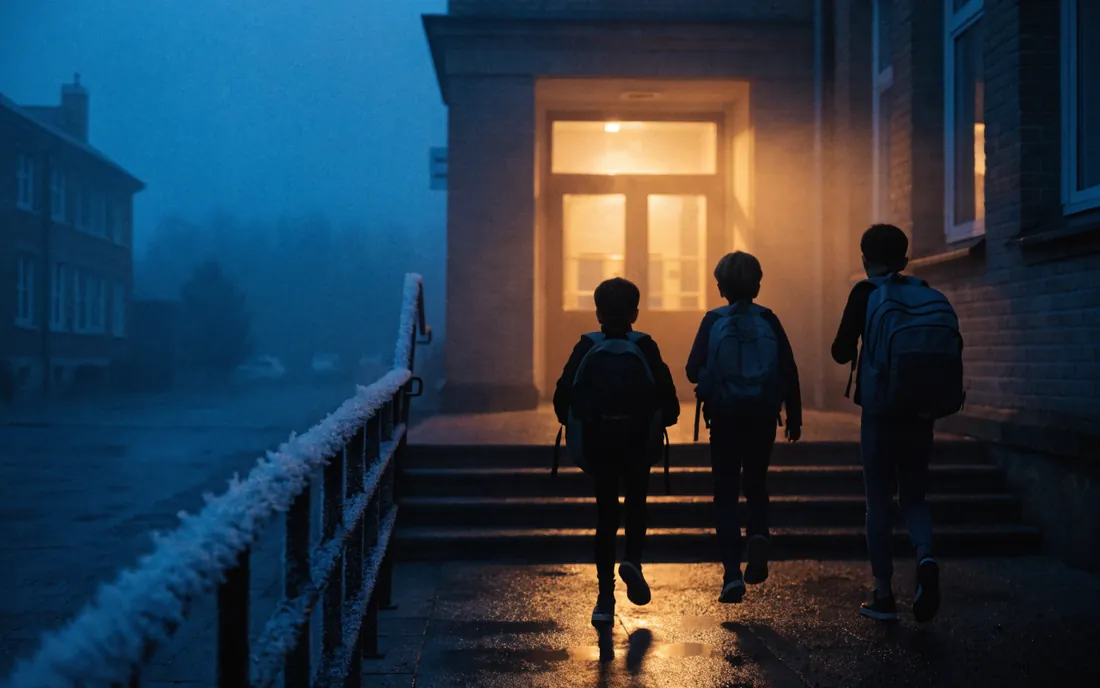
Pupils tap their cards at the main entrance. Each tap goes into the log with the time and direction.
An unknown card at the side entrance is a separate event in the log, not something nobody knows about.
The school office downloads the group’s presence for the day. Anyone with no taps is on the list with blank times.
All it takes is a list of people with their groups and one controller. We configure the rest together.