

Product and supplier register
Name, unit, VAT rate, CPV code, nutritional values per 100 g. Supplier details fetched by tax ID (NIP) from the GUS (Statistics Poland) database.
Receiving deliveries, issuing to the kitchen, physical stocktakes and summaries for the accounts department, in one set of records for all of the municipality’s facilities. Every stock issue has a document, a price from a specific delivery and the person who raised the document.
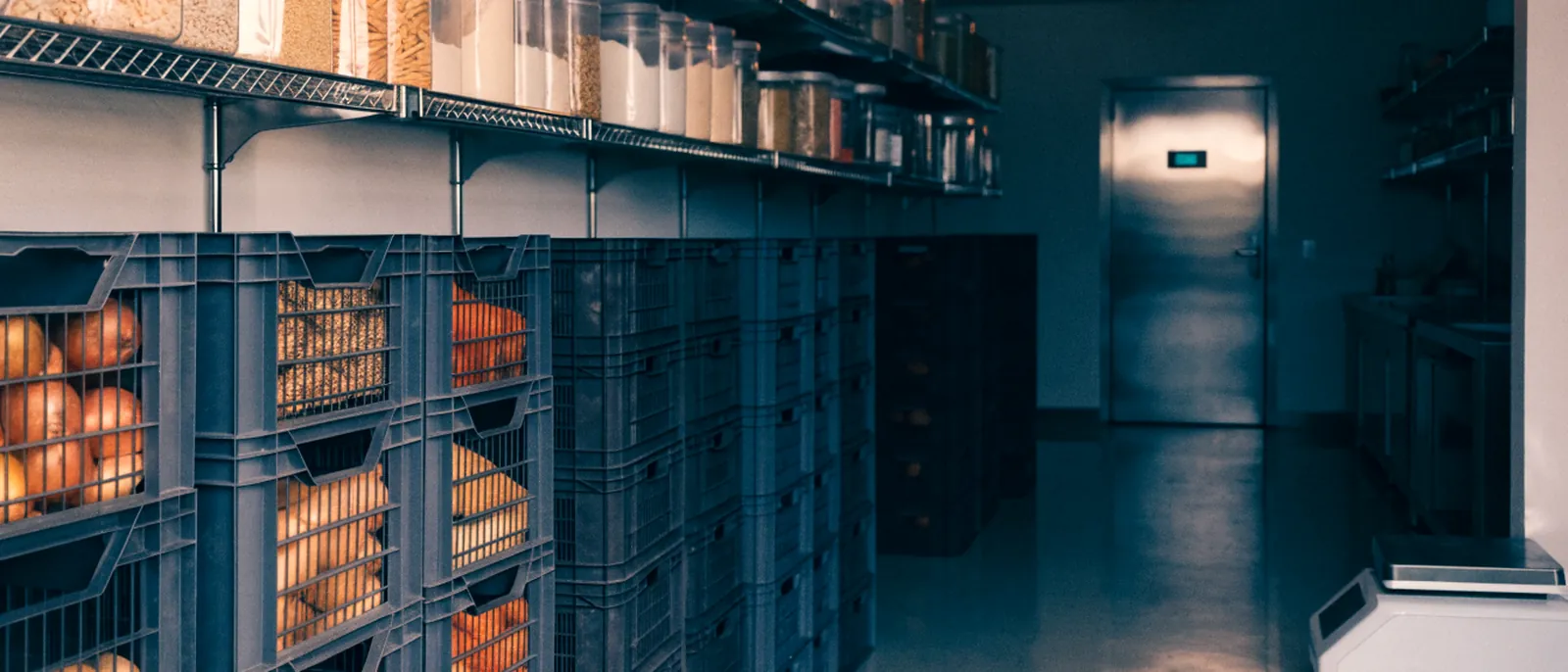
The same item has three different names in three facilities, and the stock is only pulled together at the end of the month. One product register and documents raised as you go change that.
Three document types and one closing. Each is raised by a person with permission for that storeroom.
The issue to the kitchen is linked to a meal from the menu, so the document shows the day, the meal type, the number of children and the cost per child.
| No. | Name | Quantity | Net price | VAT rate | Gross price |
|---|---|---|---|---|---|
| 1 | Potatoes | 28.000 kg | PLN 1.80 | 5% | PLN 1.89 |
| 2 | Boneless pork loin | 14.000 kg | PLN 18.90 | 5% | PLN 19.85 |
| 3 | Tomatoes | 6.000 kg | PLN 6.40 | 5% | PLN 6.72 |
| 4 | Sour cream 18% | 4,000 l | PLN 7.10 | 5% | PLN 7.46 |
The app fills in a draft with the current stock; the committee enters the quantities counted. The printout has space for the committee members and the approver’s signature.
| No. | Name | J.m | Quantity | Price | Value |
|---|---|---|---|---|---|
| 1 | Wheat flour type 500 | kg | 42,000 | PLN 2.35 | PLN 98.70 |
| 2 | Rapeseed oil | l | 18,000 | PLN 7.90 | PLN 142.20 |
| 3 | Rice | kg | 25,000 | PLN 4.60 | PLN 115.00 |
| 4 | Fusilli pasta | kg | 16,000 | PLN 5.20 | PLN 83.20 |
Name, unit, VAT rate, CPV code, nutritional values per 100 g. Supplier details fetched by tax ID (NIP) from the GUS (Statistics Poland) database.
A document with items, net and gross prices and expiry date. Numbering PZ/0001/abbr/MM/YYYY assigned automatically.
Goods come out of the oldest batch at its price. If the quantity is not there, the app will not let the document be issued.
For each product you can see its batches: which delivery, how much is left, at what price and until when.
A draft filled in with the stock; the committee enters the quantities counted. The printout has space for the committee members and the approver’s signature.
PZ summary, RW summary, global stock card for the period and stock card for a given day, saved in the app.
Breakfast, lunch, afternoon snack. Each school defines its own.
Days in rows, meal types in columns. The meal description and the number of children are entered in the cell.
The RW points to a meal from the menu, so the cost of ingredients lands on a specific day.
The value of the issue divided by the number of children, shown on the RW document.
Energy, protein, fat, carbohydrates and sugars per child, calculated from the product register.
Each school has its own storerooms and menu. A staff member sees the facilities they have permission for.
So that the municipality knows what it is buying before it signs.
There are no parent accounts, lunch sign-ups, absence notices or meal payments. The number of children is the number entered for the meal.
The PZ document is created on delivery. Orders are placed outside the app.
There are no portion weights per child and no allergens. The menu is a meal description and a number of portions.
Summaries come out as PDFs. The accounts department makes the entries in the finance and accounting system.
No. The module works with data entered from the keyboard. Items are chosen from the register, so they do not have to be typed in again.
We set up the product and supplier register together during rollout, standardising the names along the way. The opening stock is entered with the first physical stocktake.
No. Permissions are granted per facility and per storeroom. A manager sees their own school; the department at the council office sees all of them.
The app will not let the document be saved. A message points to the item with insufficient quantity.
A PZ can be corrected as long as nothing from that delivery has been issued and there has been no physical stocktake since. After a stocktake, the documents from before it are closed.
With one facility and one food storeroom. Once that works, we add more storerooms and schools.
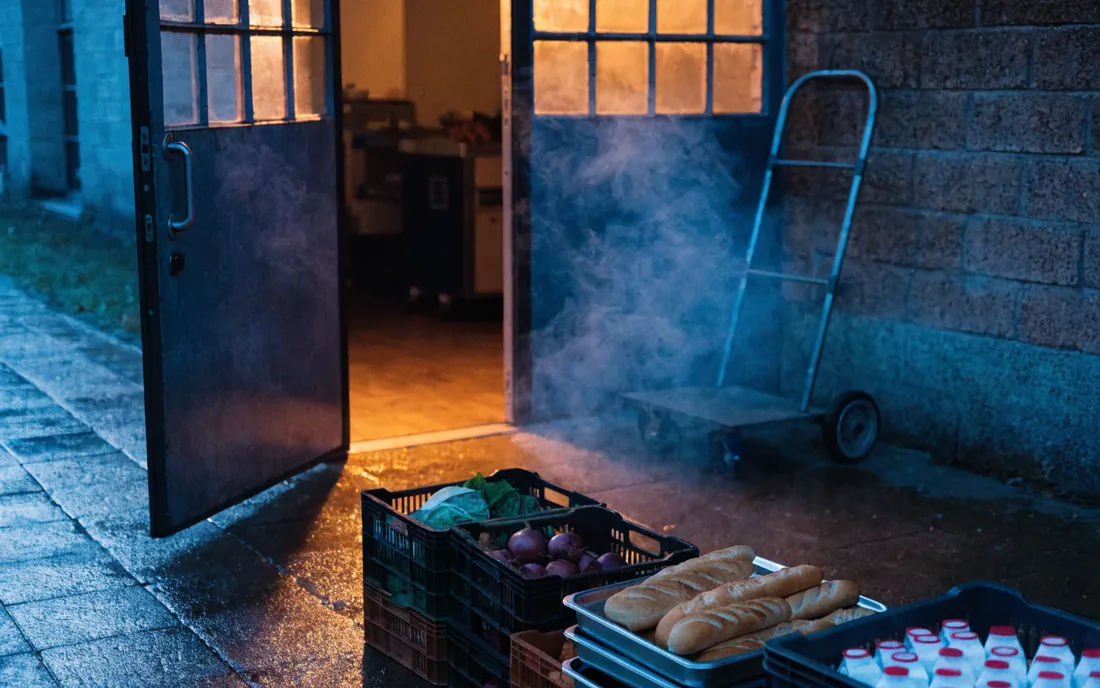
The supplier’s invoice becomes a PZ document. The goods go into stock as a batch with a price and an expiry date.
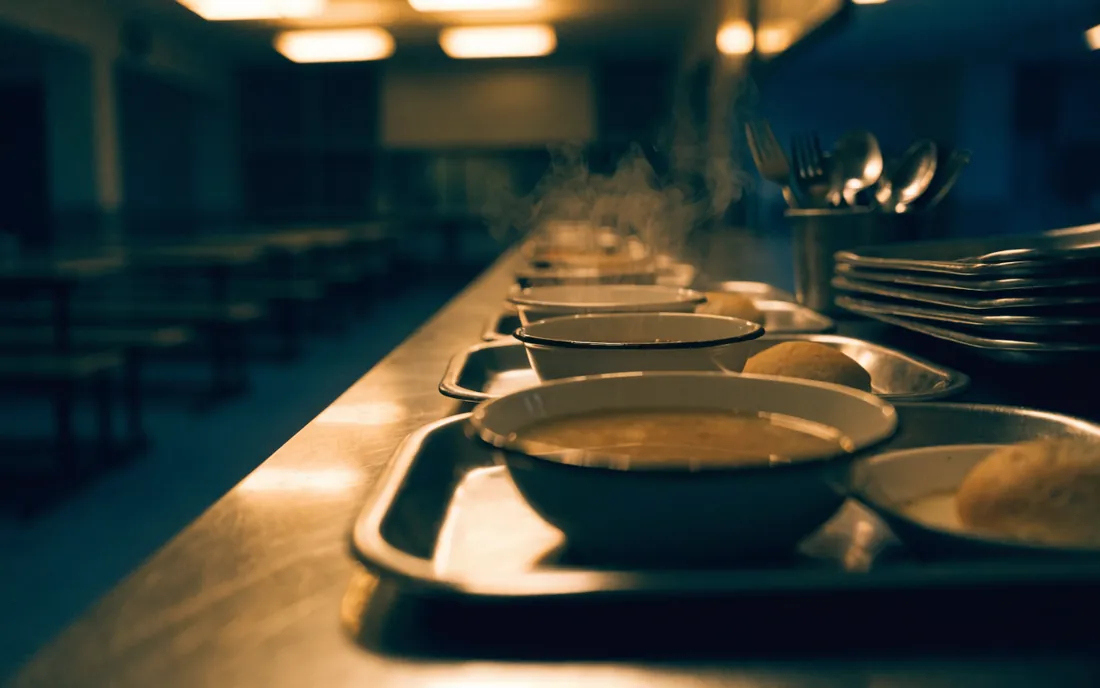
The catering manager raises an RW for a meal from the menu. The kitchen gets the list, and the document shows the amount per child.

The committee counts what is on the shelves and enters the quantities in the draft stocktake. Differences show up straight away.
All it takes is a list of the products in use today and the stock from the last stocktake. We configure the rest together.