

An app for local government

Bookings in a calendar

Rooms, equipment and municipal facilities booked in one calendar — with availability in view, and the request and the decision in the same workflow.
Availability visible at onceA calendar instead of a phone call asking whether the room is free.
Request and decision in one placeRequest, approval and notification without e-mails back and forth.
Rules per facilityHours, limits and rules set separately for each resource.
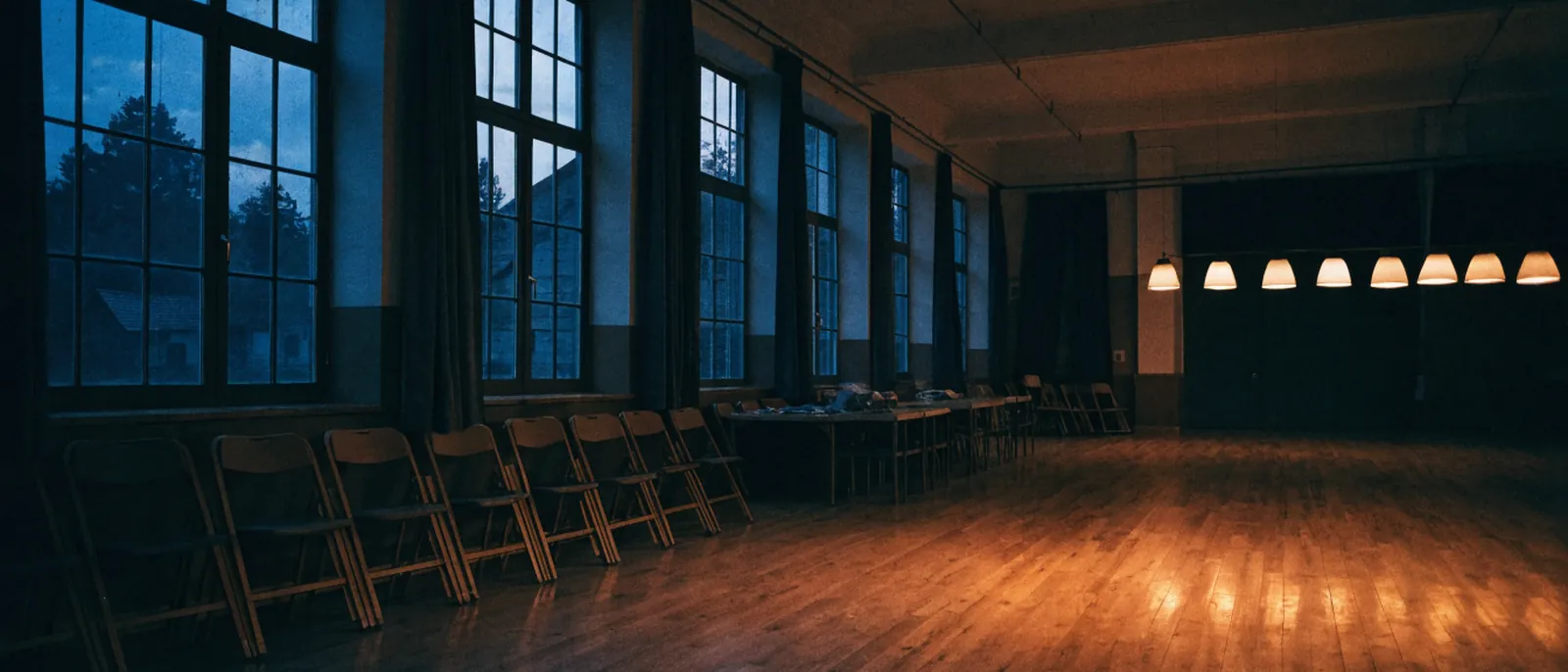
An empty village community hall at dusk: folded chairs against the wall, a wooden floor, tall windows and a row of lit lamps at the back.

This is how it looks today

A room is free or taken — but the only way to find out is by phone, and the slot ends up in somebody’s calendar.

How it works

From request to confirmed booking

Choosing a slotThe requester sees the free slots and picks the one that suits them.
RequestThe request goes to the person responsible for that facility.
DecisionApproval or refusal with reasons, with a notification to the requester.
UseThe confirmed booking is visible in the calendar; the history is kept for summaries.
Features

What you get in the module

Resource calendar

Rooms, equipment, pitches and community halls in one view, with a filter by type.

Availability rules

Availability hours, minimum notice and limits per applicant.

Approval workflow

Different people decide on different facilities; all with notifications.

Recurring bookings

Recurring activities booked once, with the option to cancel a single date.

Usage history

Summaries of which facilities are used and how often — useful for budget decisions.

Public view

Optionally, a resident can see free slots without logging in.

Two sides

Two sides of one calendar

A desk seen from above: a paper planner on the wall, a phone with the receiver off the hook, a calendar page scribbled over in pencil.

Council office

Instead of arranging things by phone and keeping dates in several calendars — one view of availability and the decision in the same workflow.

A hand over a phone lying on a table, keys and a sports bag beside it.

Resident and club

Free slots visible at once, a request from a phone, a confirmation instead of chasing.

What changes

Before and after launch

Today

  • Availability checked by phone
  • Dates written down in several calendars
  • Requests and approvals scattered across e-mails
  • No data on how facilities are used

After the rollout

  • One calendar with up-to-date availability
  • Request and decision in the same workflow
  • Notifications instead of chasing
  • Usage summaries ready for reporting
Questions

What people ask about most

Can residents book on their own?

Yes, if you decide so. The public view and self-service requests can be enabled separately for each facility.

Can fees be charged?

The module handles the booking and calculates the amount due according to the price list. How the fee is collected stays on your side.

What about recurring bookings?

Supported — recurring activities are booked once, and a single date can be cancelled without touching the rest.

Where do we start?

With one type of resource, usually rooms. We add more after go-live.
One week

A week in one facility

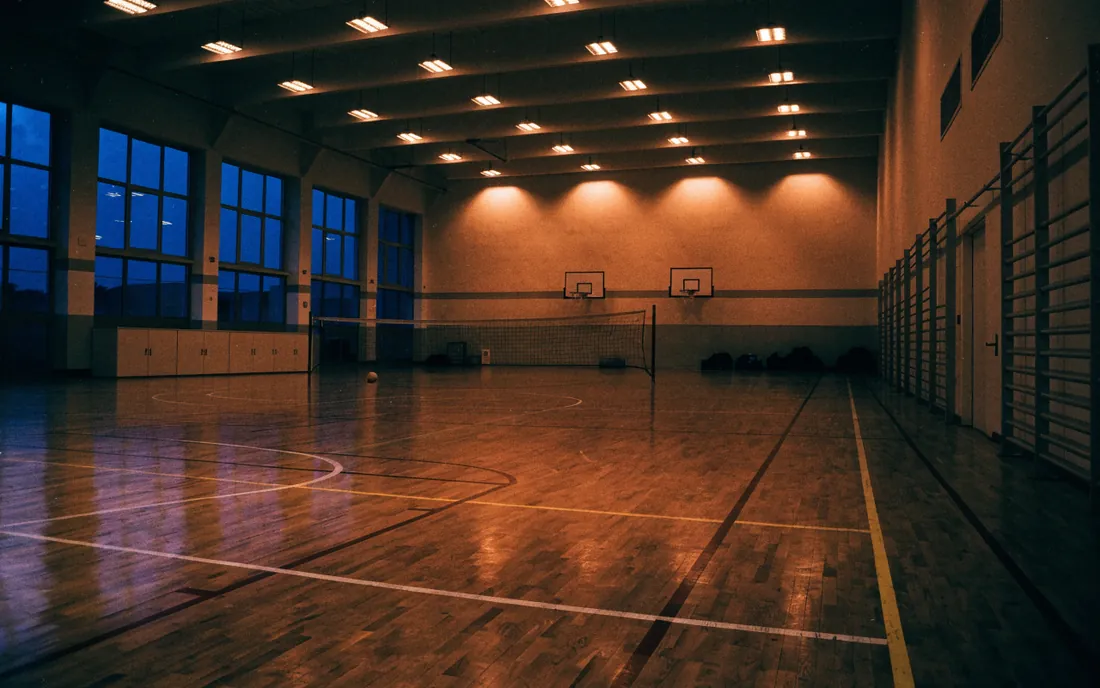
Inside a school sports hall in the evening: wall bars, basketball hoops and a net, lights on under the ceiling.

Tuesday 17:00 — training

Recurring activities are booked once; a single date can be cancelled without touching the rest.
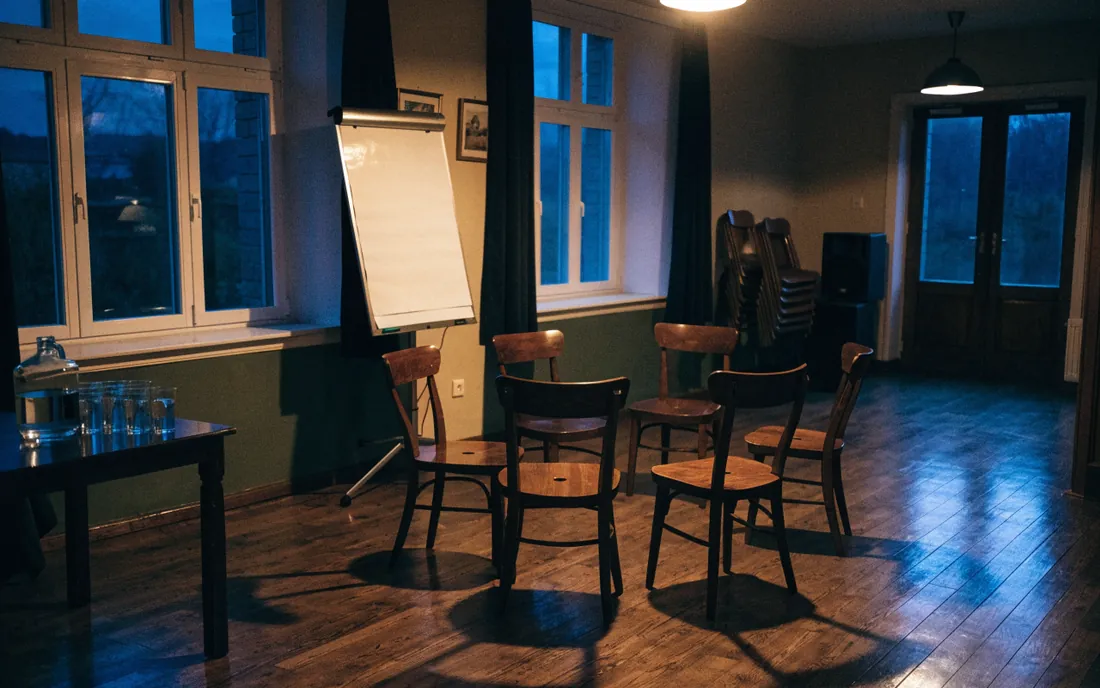
A community hall set up for a meeting: chairs arranged in a circle, a flipchart, a jug of water.

Thursday 18:00 — meeting

Community hall, room, equipment — each resource has its own hours, limits and a person who decides on it.
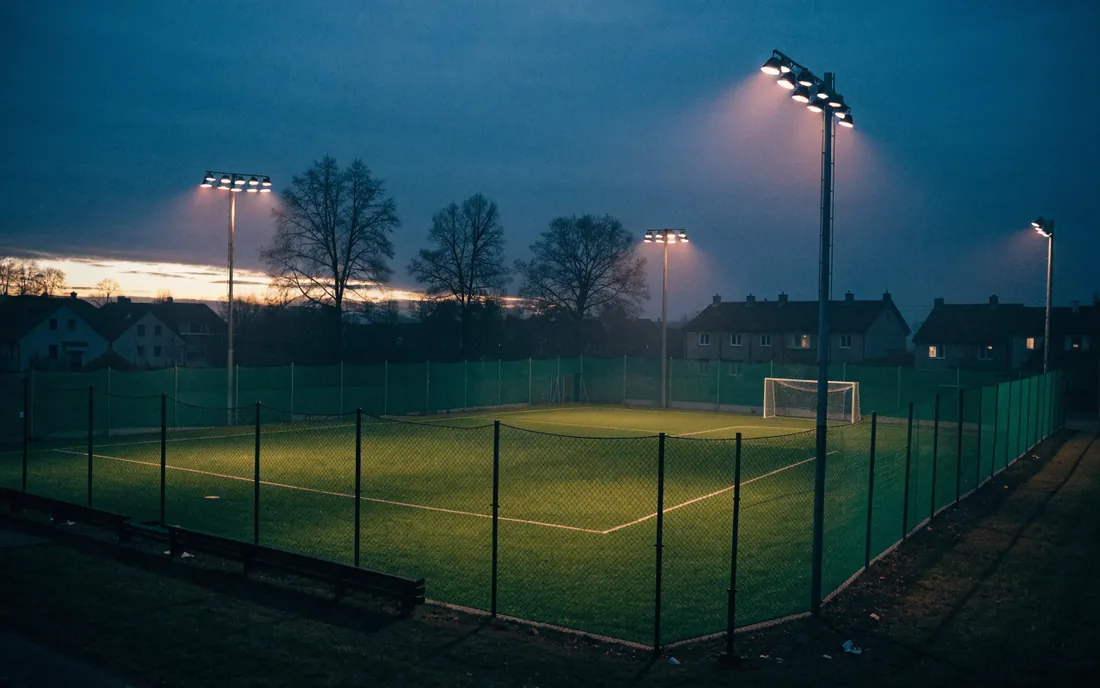
A floodlit artificial-turf pitch at blue hour, floodlight masts and houses in the background.

Saturday 10:00 — pitch

The usage history is kept. You can see which facilities are in use and which stay locked up.

Let’s start with one type of resource

All it takes is a list of facilities and the rules on which they are made available today.

Book a call