

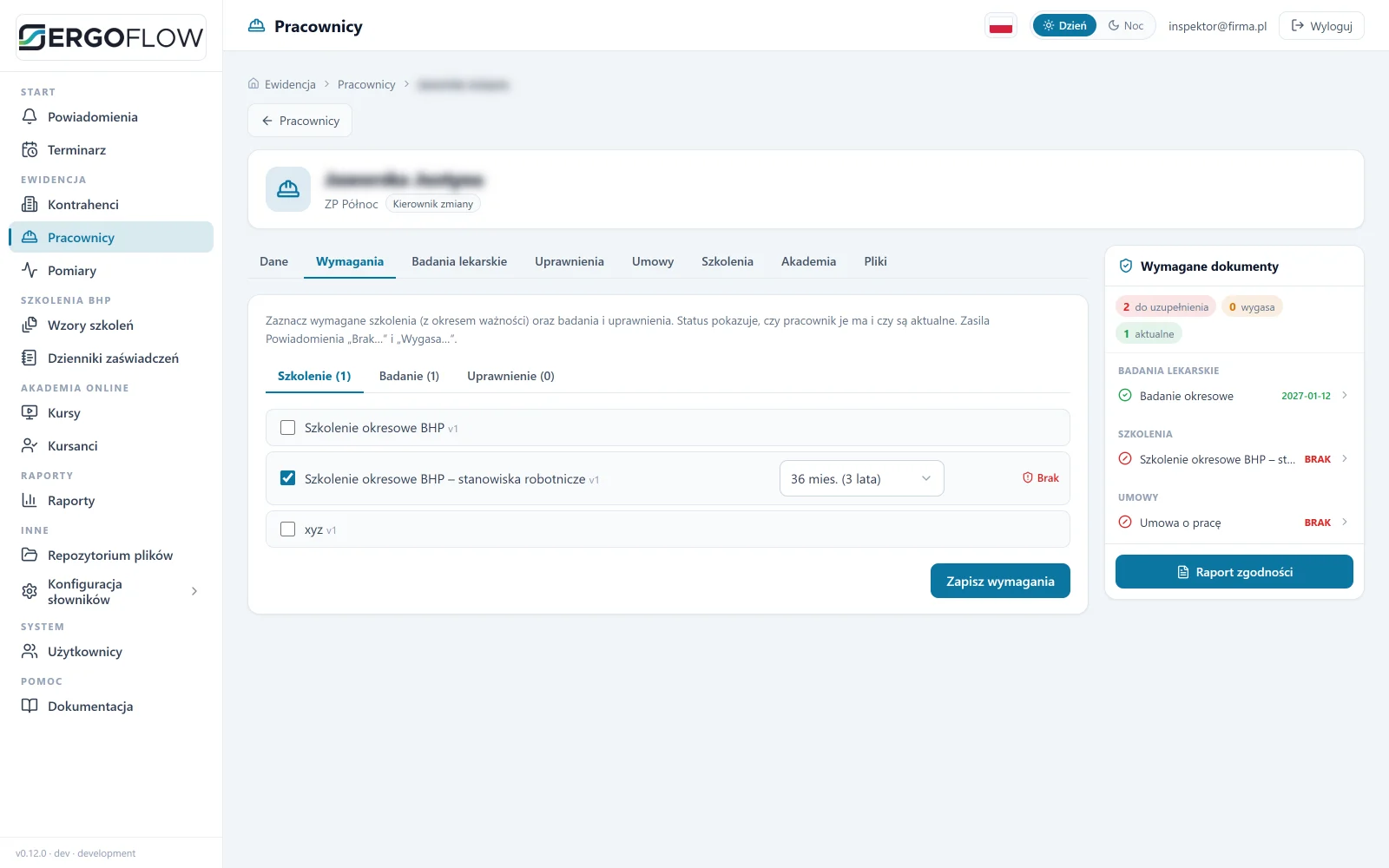
Requirements by job position
One matrix: which medical examinations, qualifications and training a job position requires, and how long they are valid.
Medical examination and training deadlines send their own reminders. The employee completes training online or at the shop-floor kiosk. The vending machine issues protective equipment by badge. See what it looks like in practice.
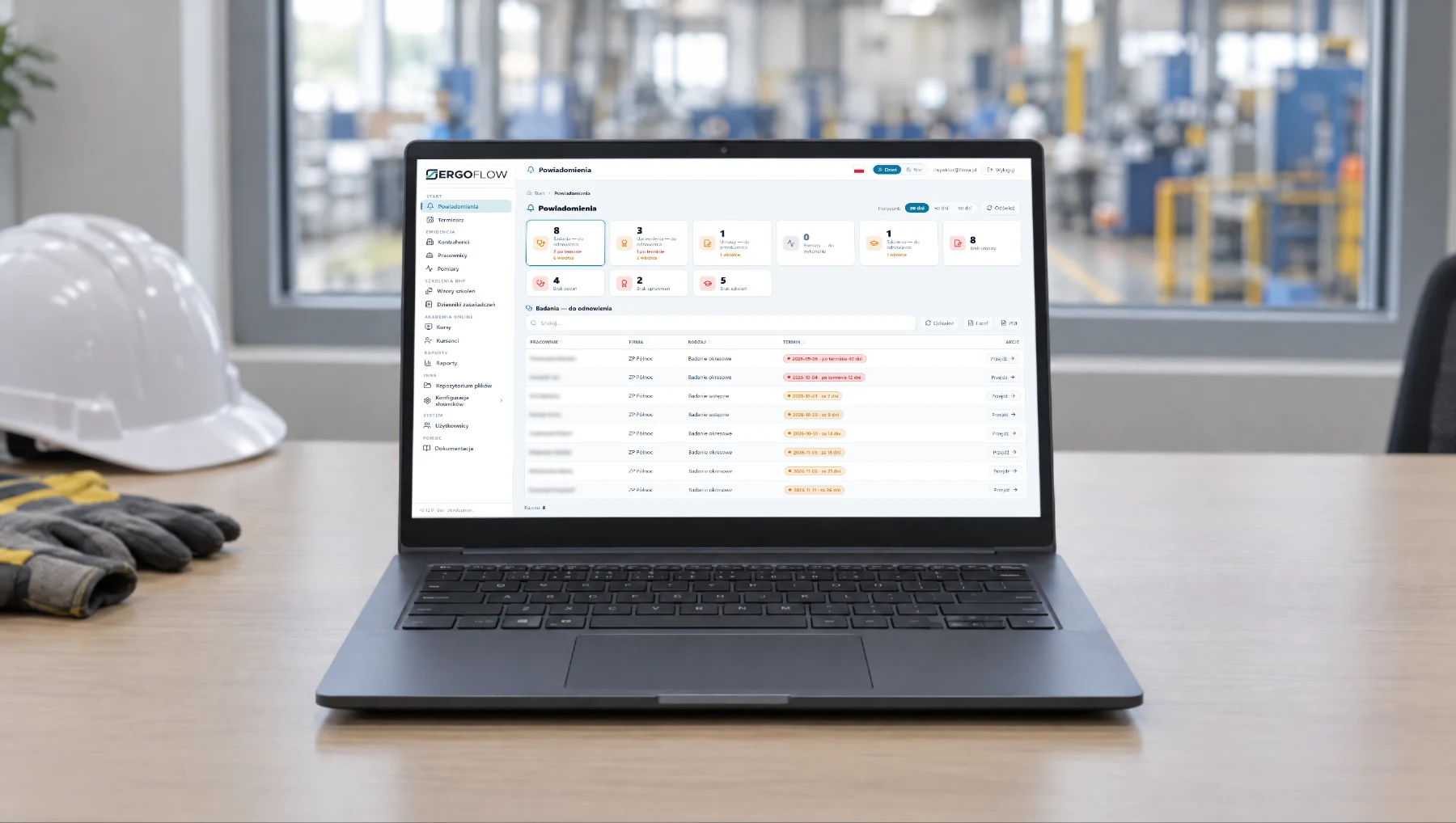
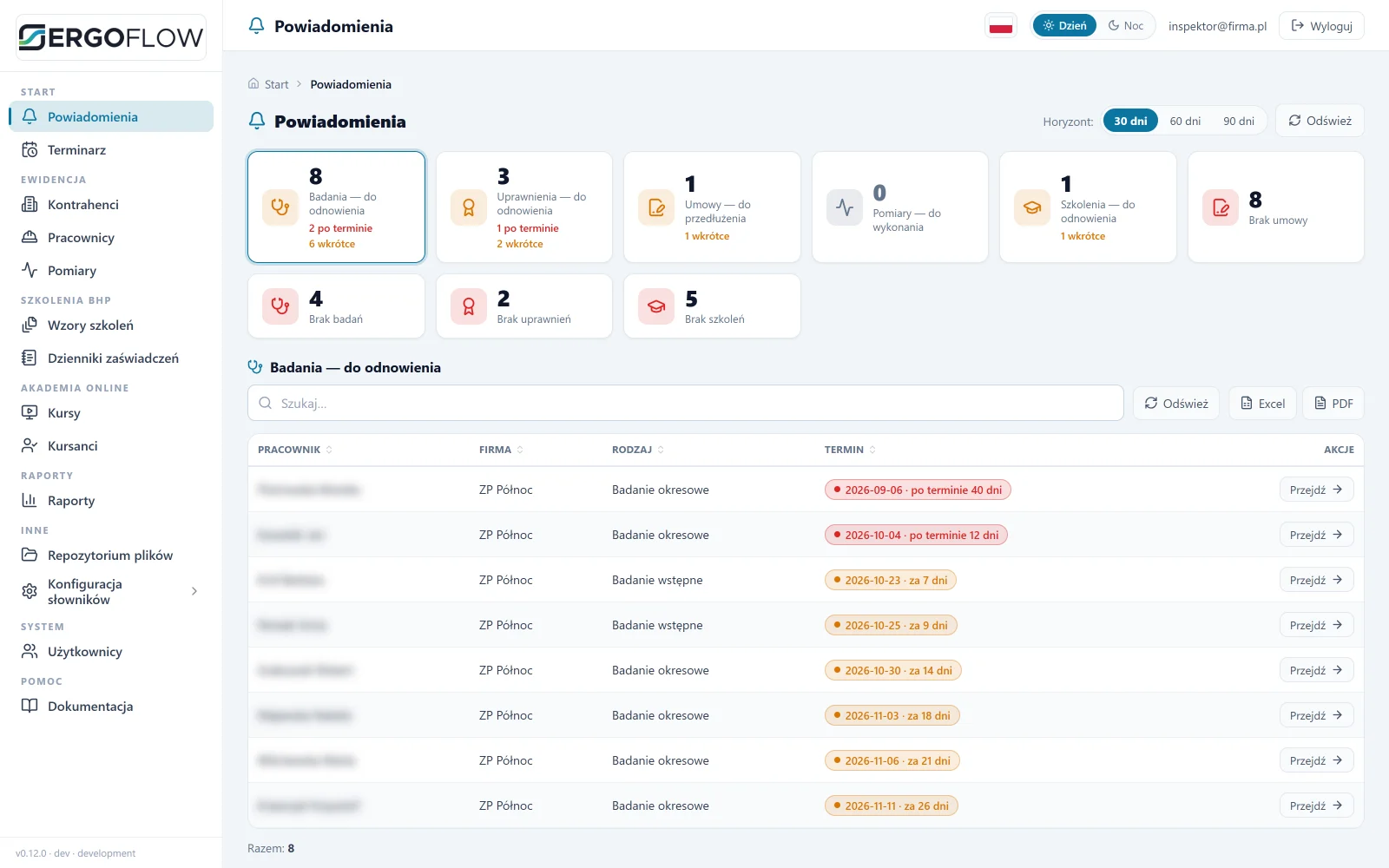
One screen to start the day: what is expiring, what is missing, and for whom. A click opens a list for export.
One matrix: which medical examinations, qualifications and training a job position requires, and how long they are valid.
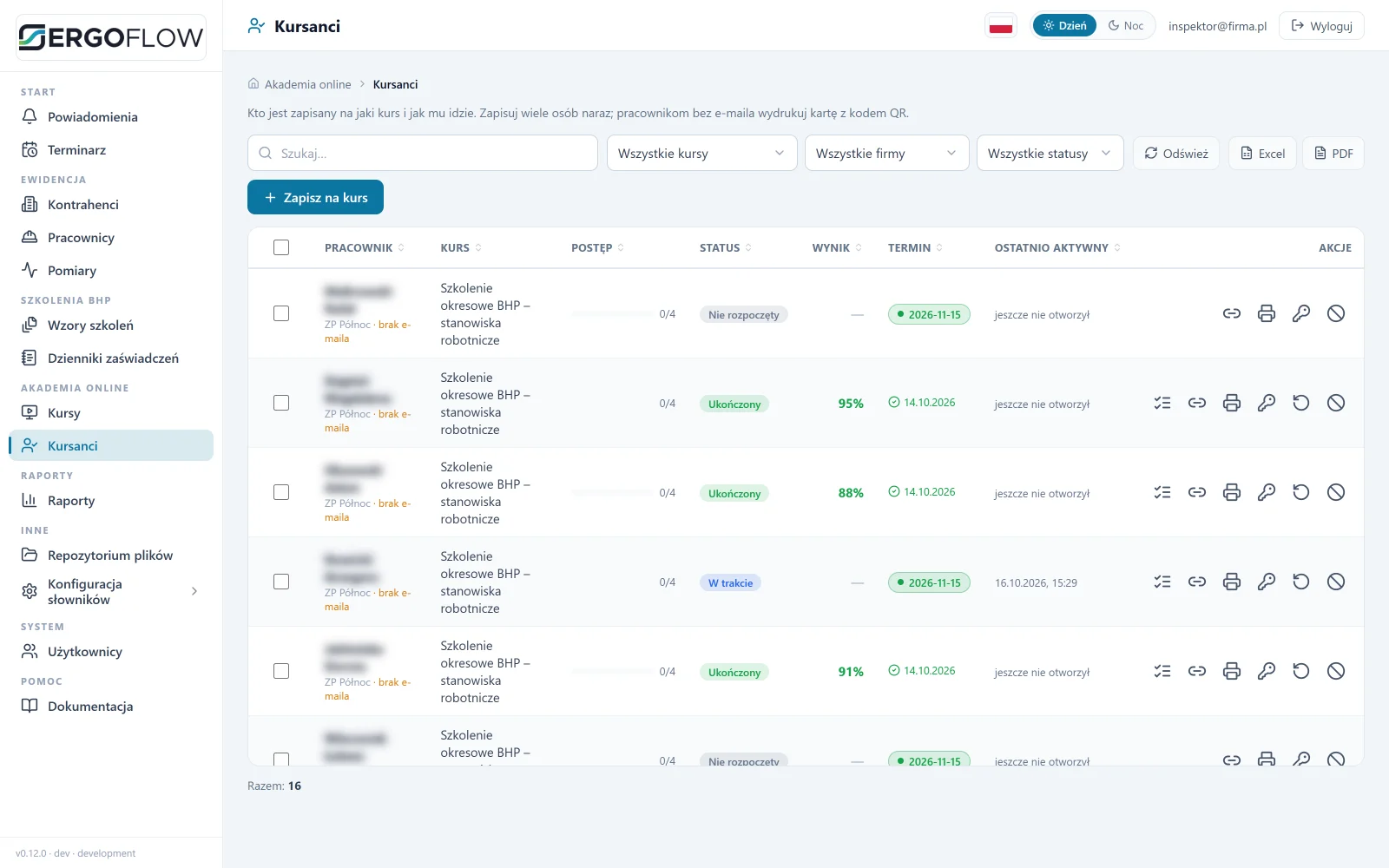
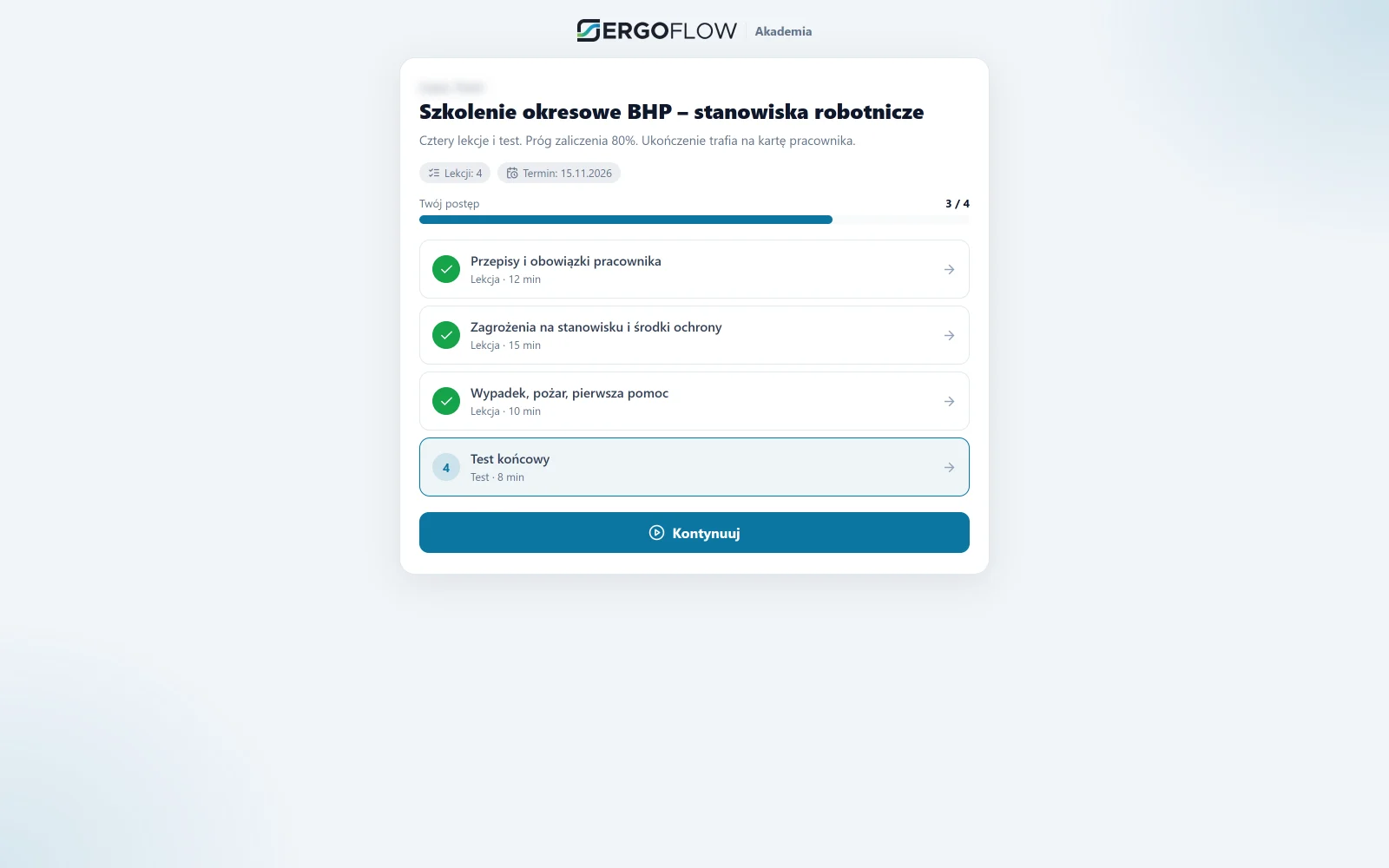
Lessons ticked off, a test at the end. The result goes on the record.
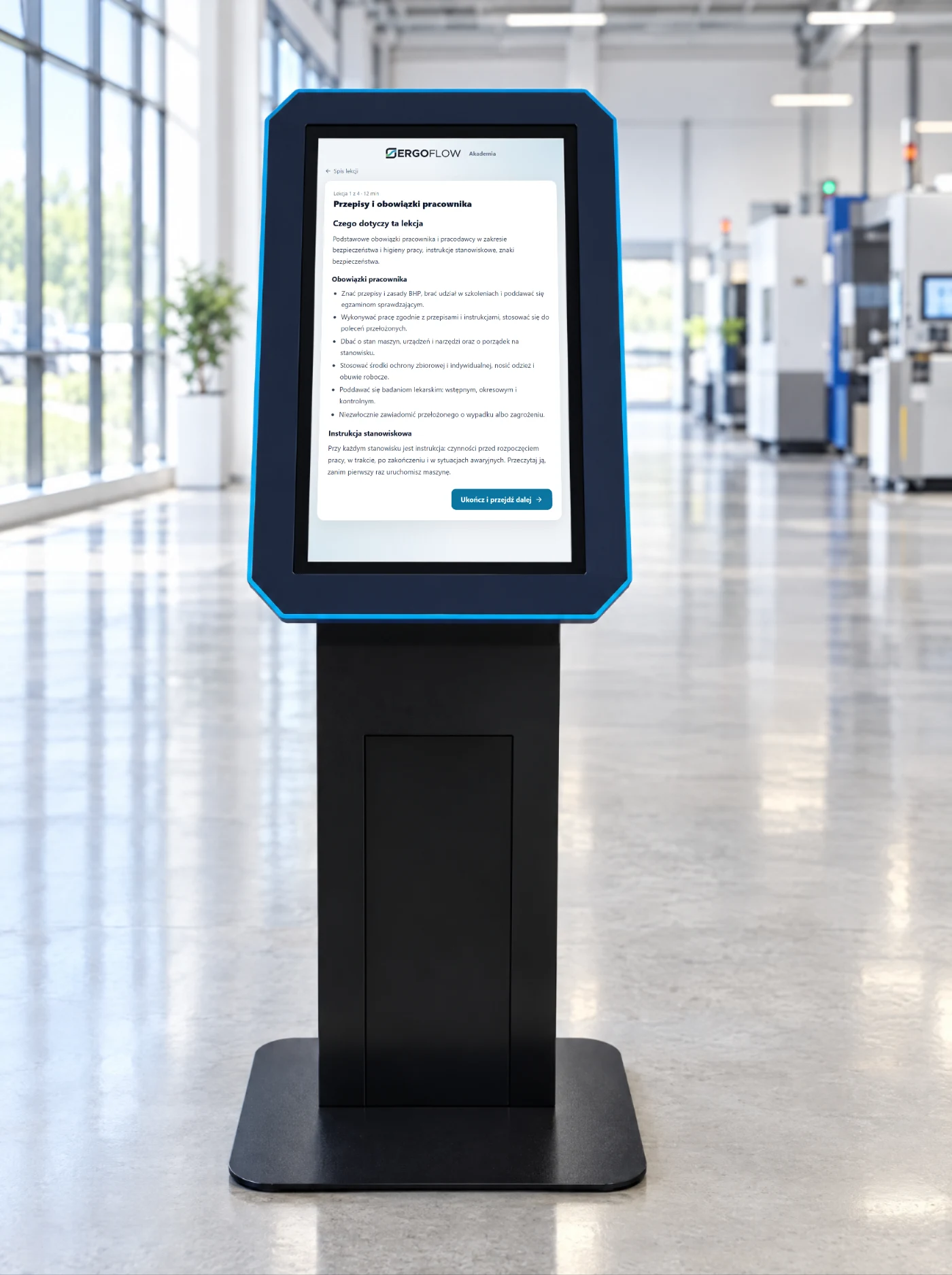
Training without a computer and without a phone. The employee logs in with a badge or PIN and has an instruction, a course or a survey on the screen. We write custom programs for kiosks.
The employee taps their employee badge or enters a PIN. No account and no e-mail.
Always the current version, with acknowledgement of reading.
Lessons and a test from the Academy. The result goes on the employee’s record.
Hazard report, workstation assessment, post-training question.
Machine card, tool manual, safety data sheet.
A driver or visitor checks in on their own: details, safety briefing, confirmation. More on the kiosks page.
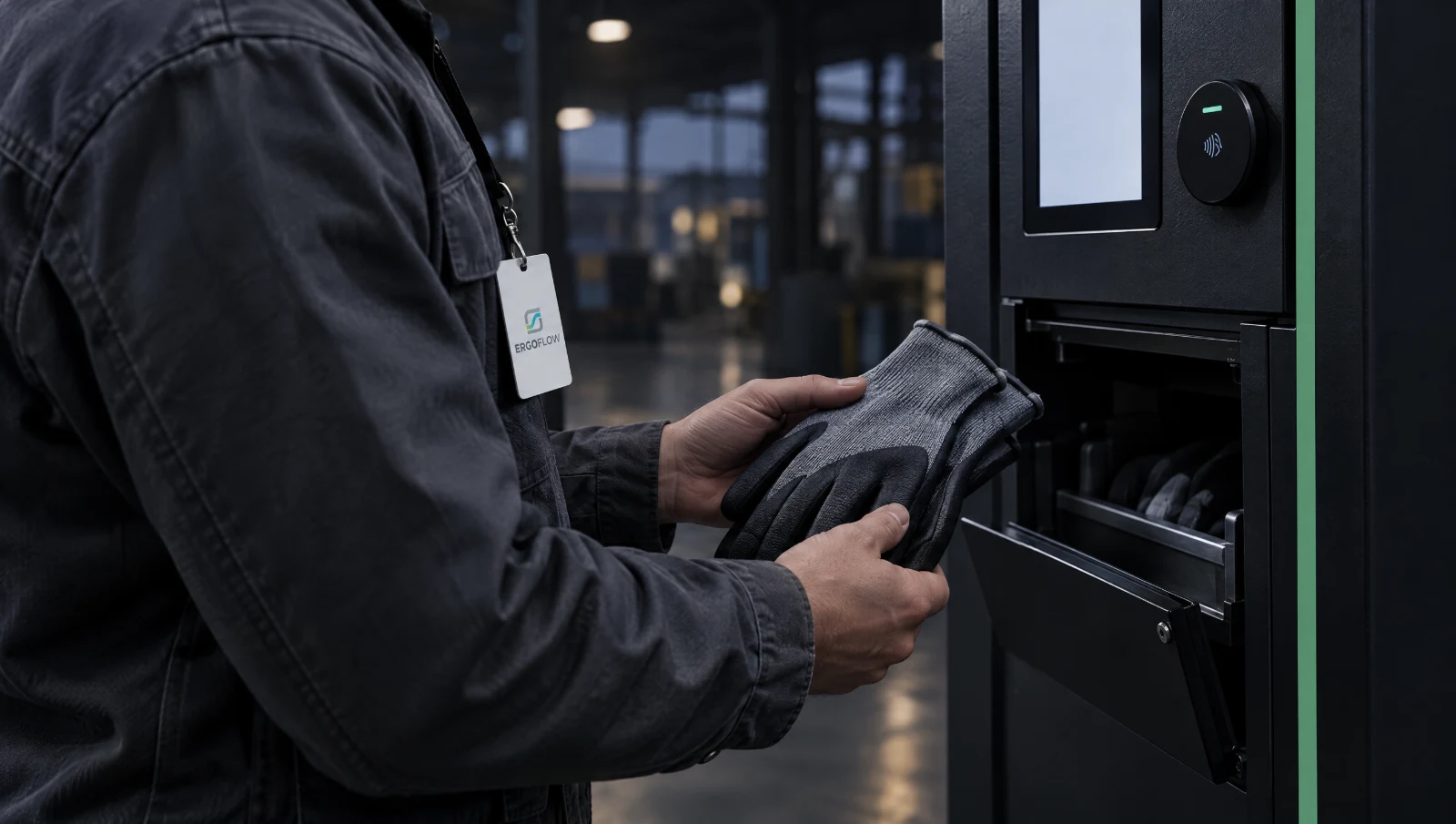
Gloves, safety glasses, masks by badge, within an allowance per person and period. Used items go back into the return machine. Every withdrawal has a name attached.
A separate workflow in SmartFlow: the employee chooses the size, the order comes from the norm, the issue has proof.
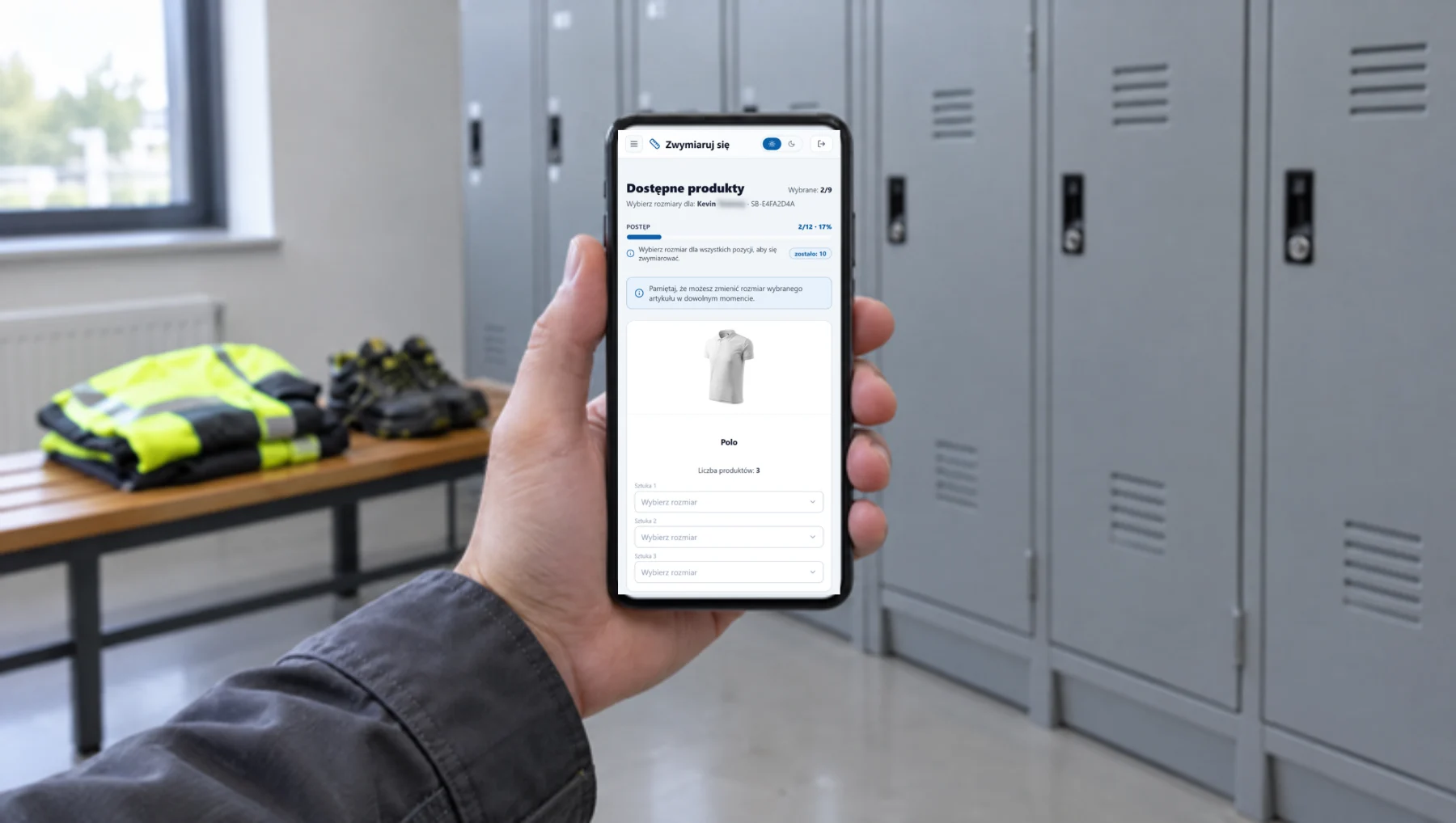
On their own, in the app. The OHS officer does not walk round the shop floor with a sheet of paper.
Per job position, unit or person, with a validity period.
From the employee’s record, or automatically every hour for people with shortfalls.
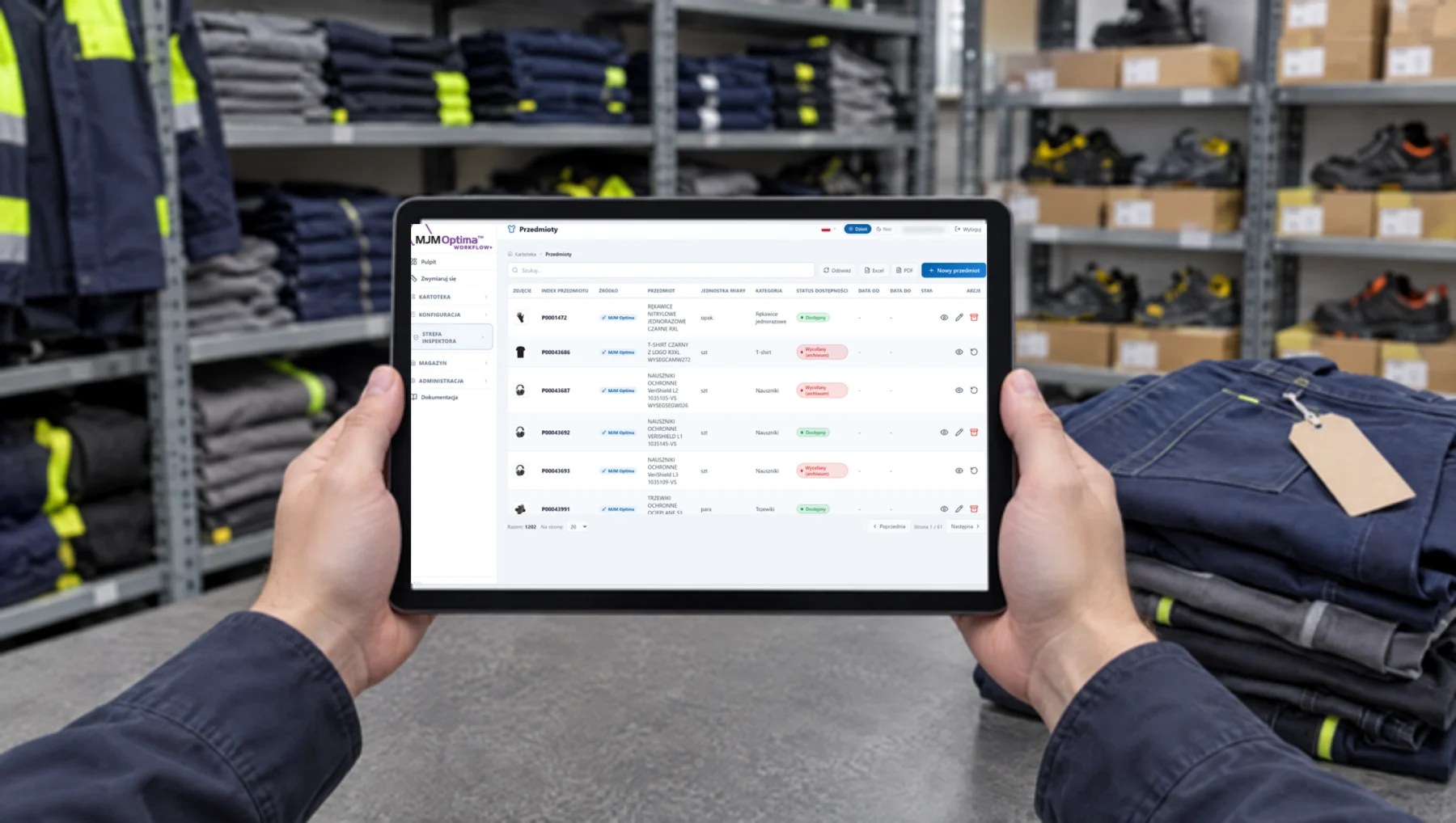
Signed receipt, hand-over from the storeroom, or collection from a vending machine compartment.
Deadlines, regulations and practice. With the legal basis, without the waffle.
On-the-job instruction is the second part of induction training. When it has to be repeated, who can give it, how many hours it must last and what stays on file.
The occupational risk assessment determines PPE, on-the-job instruction and medical examinations. Who carries it out, after which changes it must be updated and what the document must contain.
Periodic examinations, SEP, UDT, work at height: each has a different deadline and a different source. How to build one register, who is responsible for it and how to show it to an inspector.
Training, medical examinations, PPE, workwear, PIP inspections. A new post every week.
Yes. The OHS officer prints a card with a QR code; the employee scans it with a phone or holds the card up to the shop-floor kiosk.
It stays on the shop floor, because the regulations do not allow it to be conducted remotely. Training for which this is permitted goes online.
No. The OHS app works on its own. A vending machine is added where protective equipment is used up every day.
That is a separate program, SmartFlow: allocation norms, sizes chosen by the employee, orders from the norm and issue against a signed receipt or from a vending machine compartment.
An hour with the OHS officer. We show the app, the kiosk and the vending machine. The result is a list of what makes sense for you.