

Issues assigned to a person
Identification by badge or password. The item comes off the stock level at the moment of withdrawal, not at the next stocktake.
The machine issues tools, workwear and consumables around the clock. Every withdrawal is assigned to a person and recorded. Stock levels go into the system, not into a logbook by the entrance.
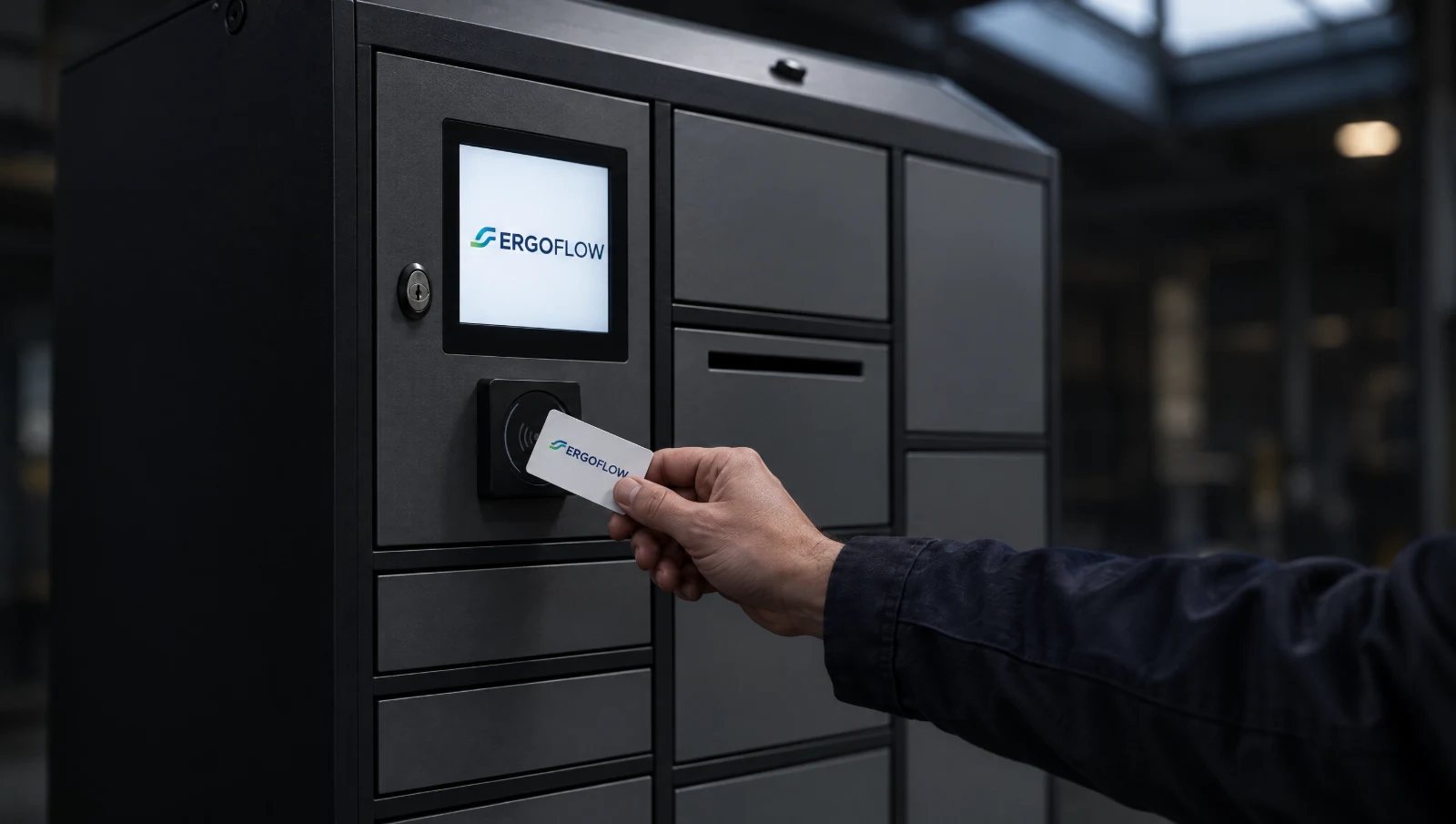
A vending machine is not a cabinet with a lock. It is the place where an issue becomes an event in the system.
Identification by badge or password. The item comes off the stock level at the moment of withdrawal, not at the next stocktake.
The tool goes back into the machine and the system knows it is back. Returnable equipment stops going missing between shifts.
Everyone gets only what is assigned to their job. The switchroom key will not be issued to just anyone with a badge.
A power tool or a laptop has its own compartment. Every opening and closing has a person and a time, so you can see straight away who has not returned something.
The machine knows what is in its own compartments. Ordering is based on data, not on “I think it’s running out”.
SmartBox handles the issues; SmartSync connects them to the system you already use.
One pair of gloves per shift or one disc per week — the rule enforces itself, with no reminders.
Once the date has passed, withdrawal is blocked and the people responsible get a message. Nobody will take an expired mask.
They differ in what you keep in them. Tools in drawers at the workstation, consumables in the drum, returnable equipment in compartments. SmartBox handles the issues, SmartSync moves local databases to the cloud, and SmartConf looks after the controllers.
The machine stands on the shop floor, but the benefit spreads across the whole company. This is how it looks to the people who decide on it.
They order based on consumption over the last few weeks, not after a phone call saying “it’s running out”.
They know who has which PPE, since when, and whether it is past its expiry date.
The tool is at the machine at any hour. The night shift does not stand idle because the stores are closed.
Keys, power tools and measuring instruments come back to their place, and calibration does not slip through the cracks.
Stops issuing at the counter and deals with what needs decisions: goods receipts and replenishment.
Sees how much material consumption costs, broken down by department, rather than one amount on an invoice.
Wherever the same things are issued every day, over several shifts, to many people.
PPE and consumables by the lines, tools by the machines. A drum dispenser at the entrance to the shop floor, a drawer cabinet at the workstation.
Scanners, terminals, radios and gloves for shifts that take over from each other. The compartments charge the equipment between shifts.
Switchroom keys, measuring instruments, power tools. Access only for authorised people, and a trail of every issue.
Not every plant wants to buy a machine. In the service model you buy control and data: hardware, software, servicing and support come in one monthly fee.
A new, used or rented machine, matched to the plant. A fixed monthly fee instead of buying hardware and an IT rollout.
Recording of every withdrawal, consumption reports, ERP integration, remote diagnostics and service notifications included in the price.
Audit first: what disappears from the stores and where the points of loss are. The machine goes where issuing has no owner today.
Who withdrew what and when, in real time. Consumption per person, shift and department, to compare against the norms.
You don’t have to. We work in two models: purchase, or vending as a service, where the machine stays ours and you pay for using it. Which works out better depends on the scale and on whether it is to be one station or a dozen or so — we calculate that at the audit.
Items issued repeatedly: tools and power tools, measuring equipment, workwear and OHS supplies, consumables, keys. The rule is simple — if you issue something more than once a week and want to know to whom, it qualifies.
Integration is handled by the SmartSync module. We agree the scope at the audit, because it depends on which ERP or WMS you use and what exactly should go into it — just stock levels, or also issues per person.
They stay. SmartSync synchronises the machine’s local SQL database with the cloud and works with SupplyPoint Systems (SPS) software, G-STOCK and SmartBox. A program that only worked at the machine starts working in the cloud — without replacing the hardware.
No, and that is not how we sell it. The machine takes over repetitive issues and their records — what used to happen at the counter anyway. The storekeeper stays for the things that need decisions: goods receipts, complaints, kitting, equipment issued as an exception.
Your stores team, or us in the service model. The program shows what is missing before the machine runs empty, so replenishment is planned rather than an emergency.
SmartConf. An agent on the machine’s computer talks to the controller, and a cloud panel shows the machine status, error codes and operation history. A fault opens a service ticket by itself, and the service team checks and configures the machine remotely, without a VPN. Today it supports DynaBox, LockerBox and RotoPoint machines.
It depends on the machine. We agree the method of emergency access to items when choosing the machine and write it into the proposal.
The demo takes a quarter of an hour and ends with a list of items that make sense in a machine at your site. The quote is based on that list.