
Workwear and protective equipment
SmartFlow manages the entire flow of workwear and protective equipment: allocation norms, sizing by the employee, orders from the norm, issue with a signed receipt or from a dispenser compartment, a storeroom with history.
- The employee chooses the size
- Norms as allocations
- Ordering runs itself
App SmartFlow
Workwear is a different story from medical examination deadlines. What matters here is the size, the norm and proof of issue. SmartFlow keeps these three things in one place: from the allocation for a job position, through the size chosen by the employee, to the signed receipt in the storeroom.
Key benefits
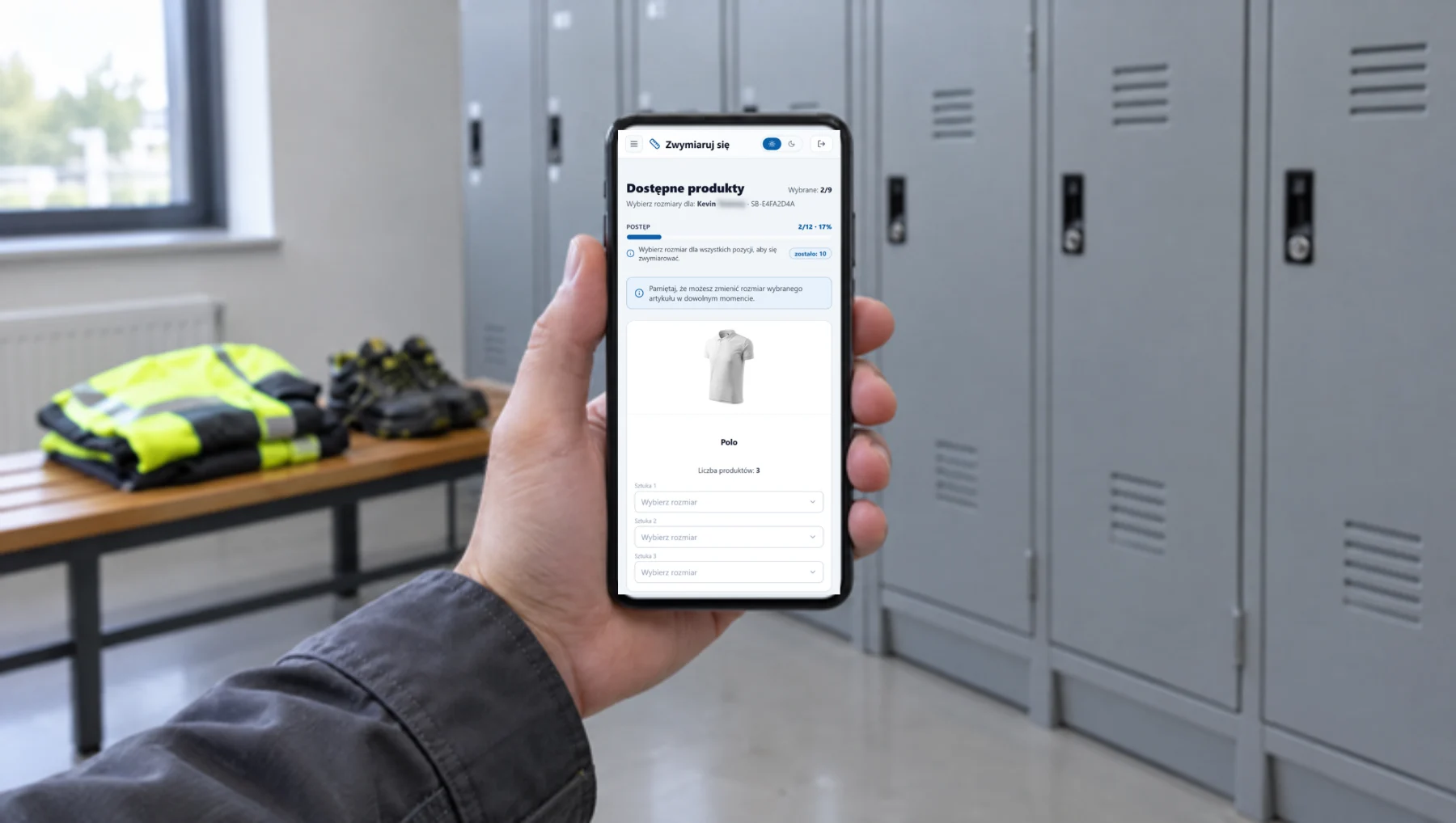
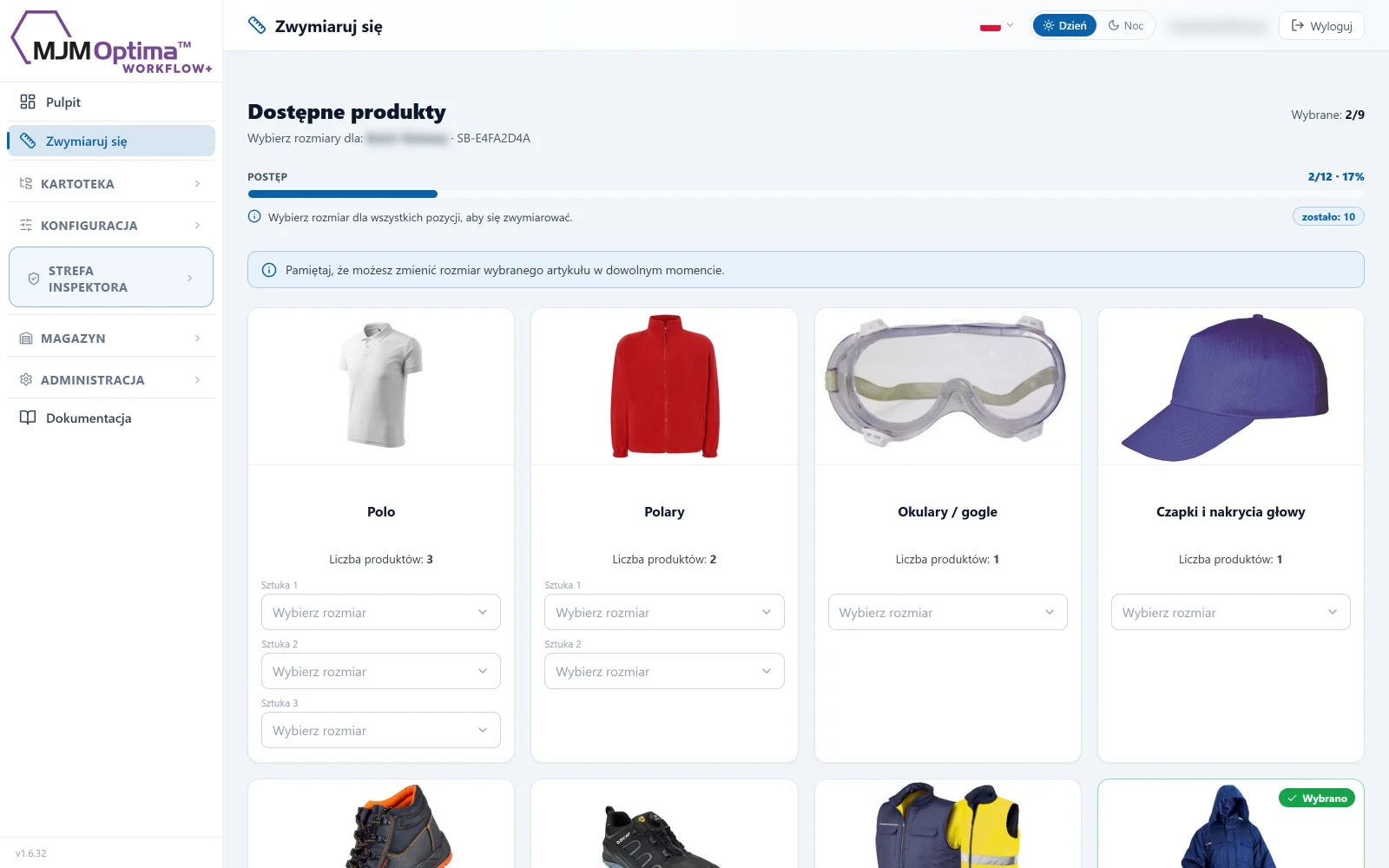
The employee chooses the size
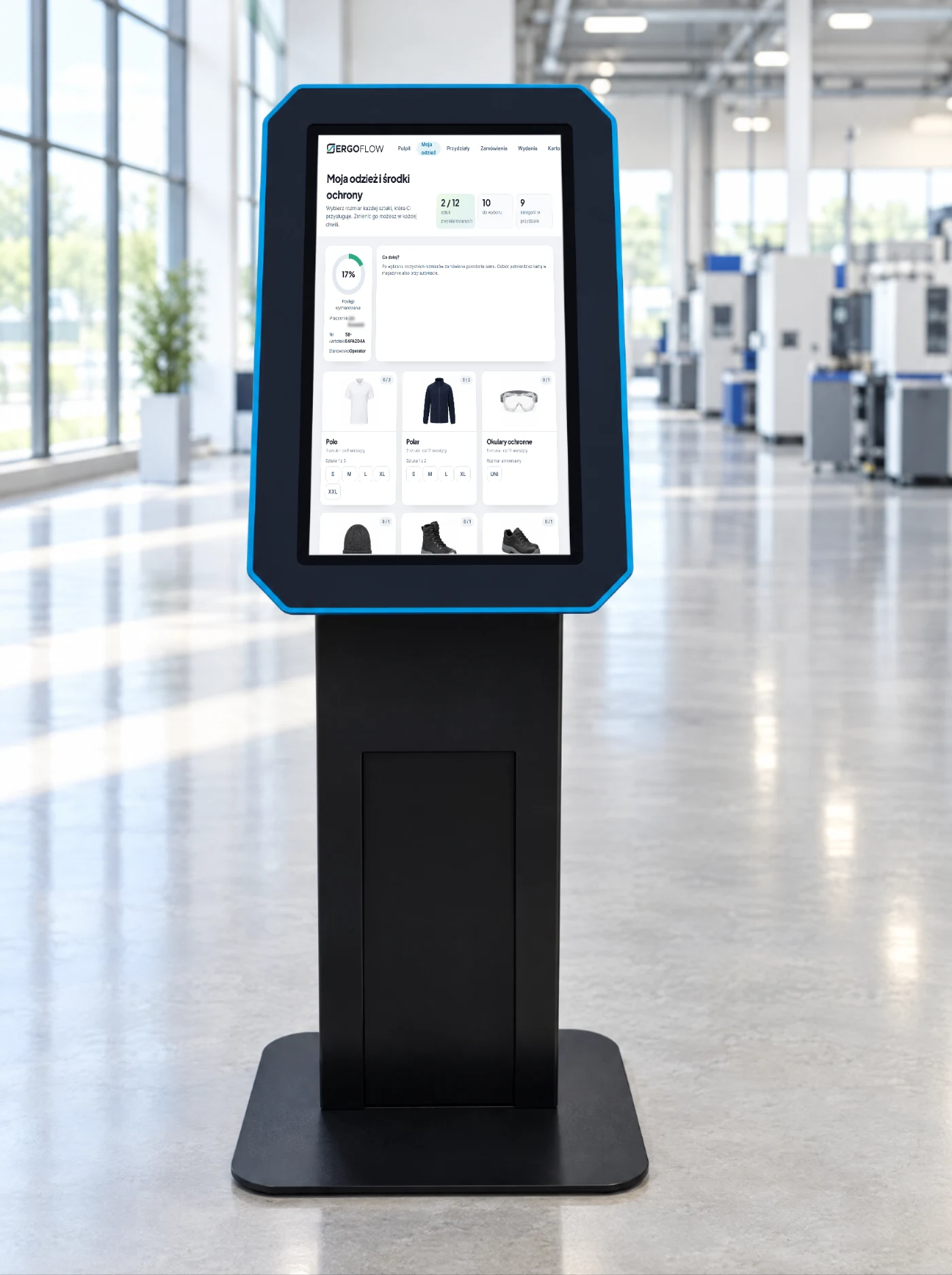
They log in, see what they are entitled to and mark the size of each item. A complete set gives the “sized” status.
- The draft saves as you go you can come back and finish.
- Change your size at any time the next order uses the new one.
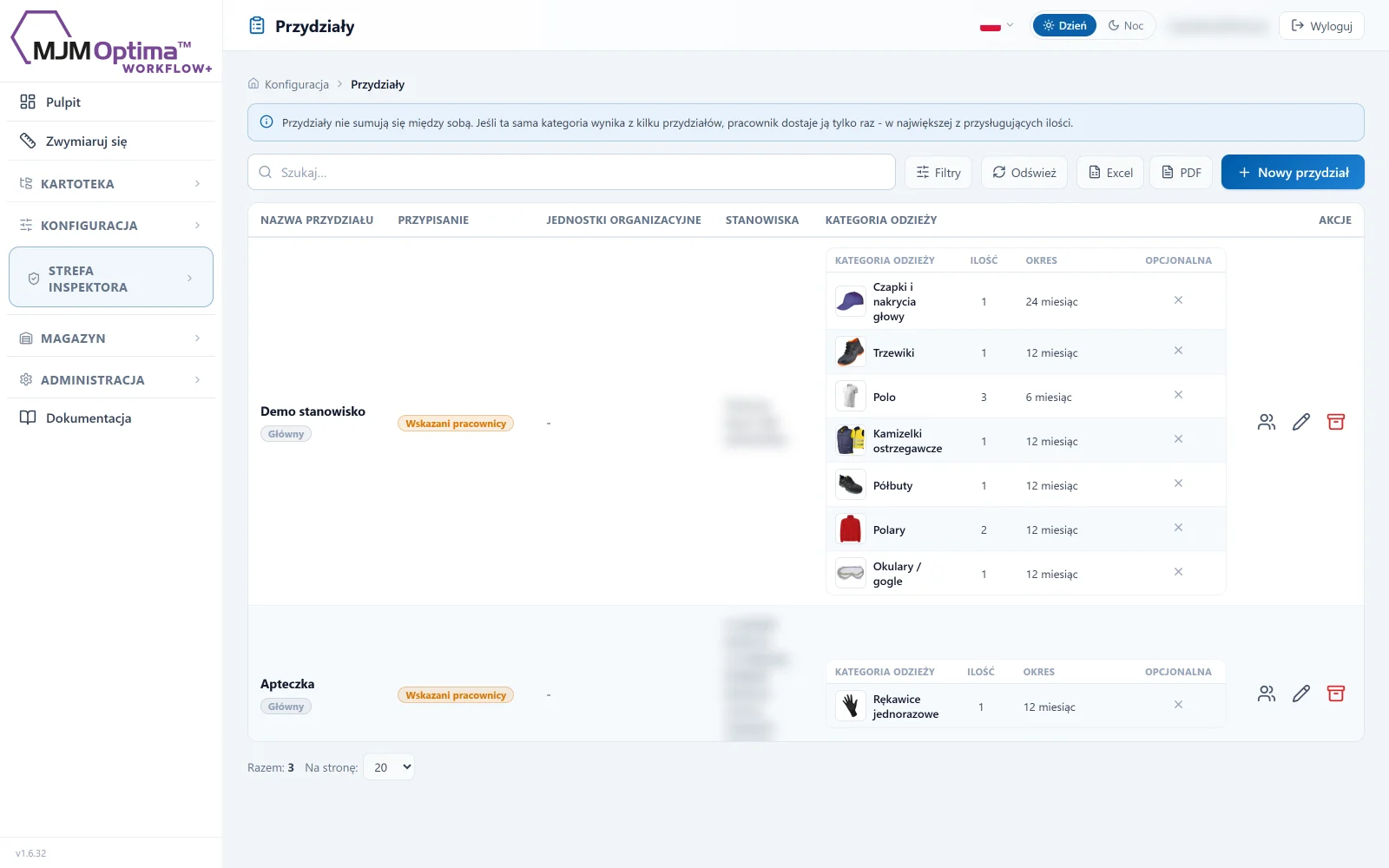
A norm set once
Clothing category, quantity and validity period. Allocations do not add up: the employee gets the largest of the quantities they are entitled to.
- Per job position, unit or person also “extra” sets.
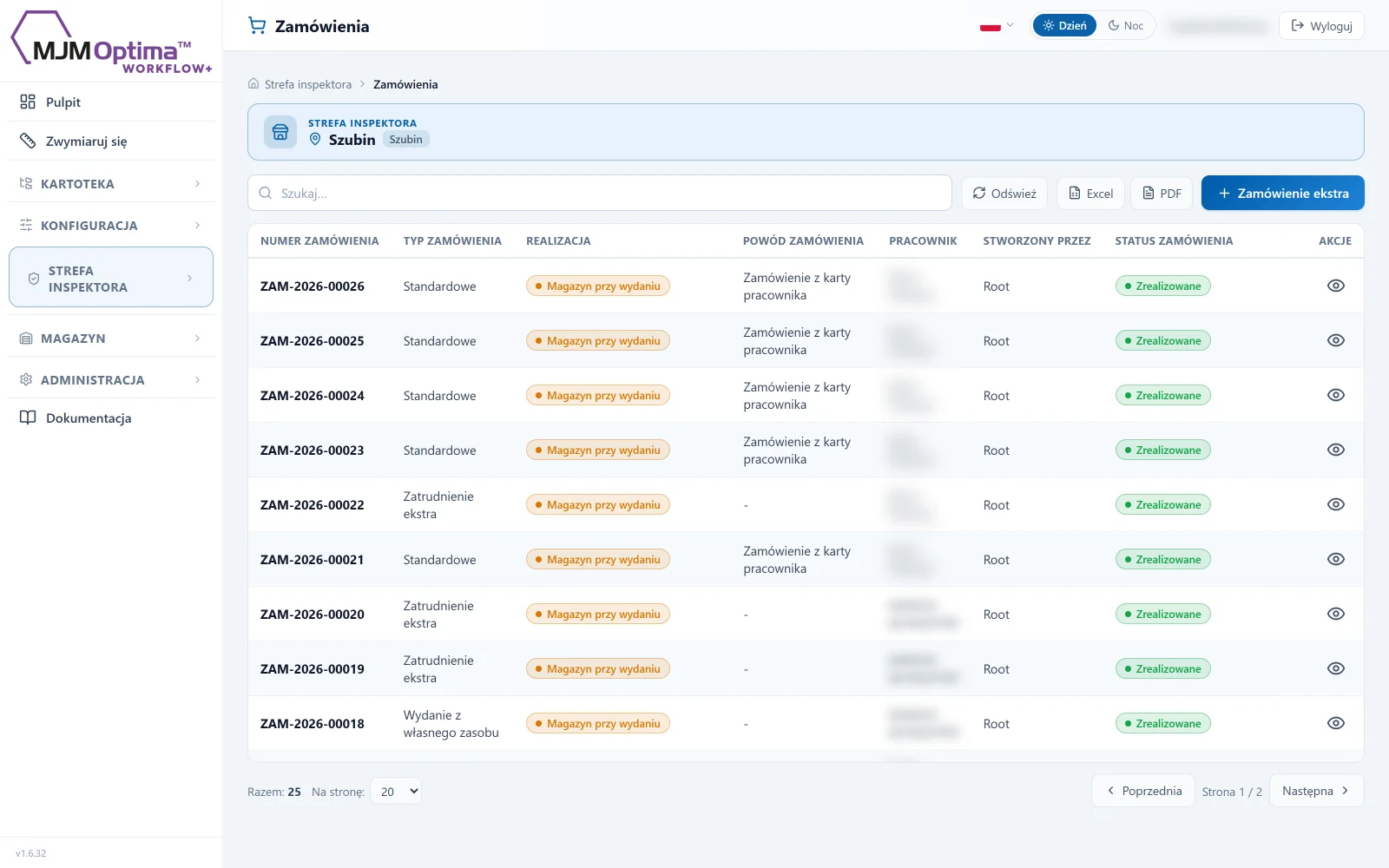
- Orders from the norm manual from the employee record or automatic every hour for people with gaps.
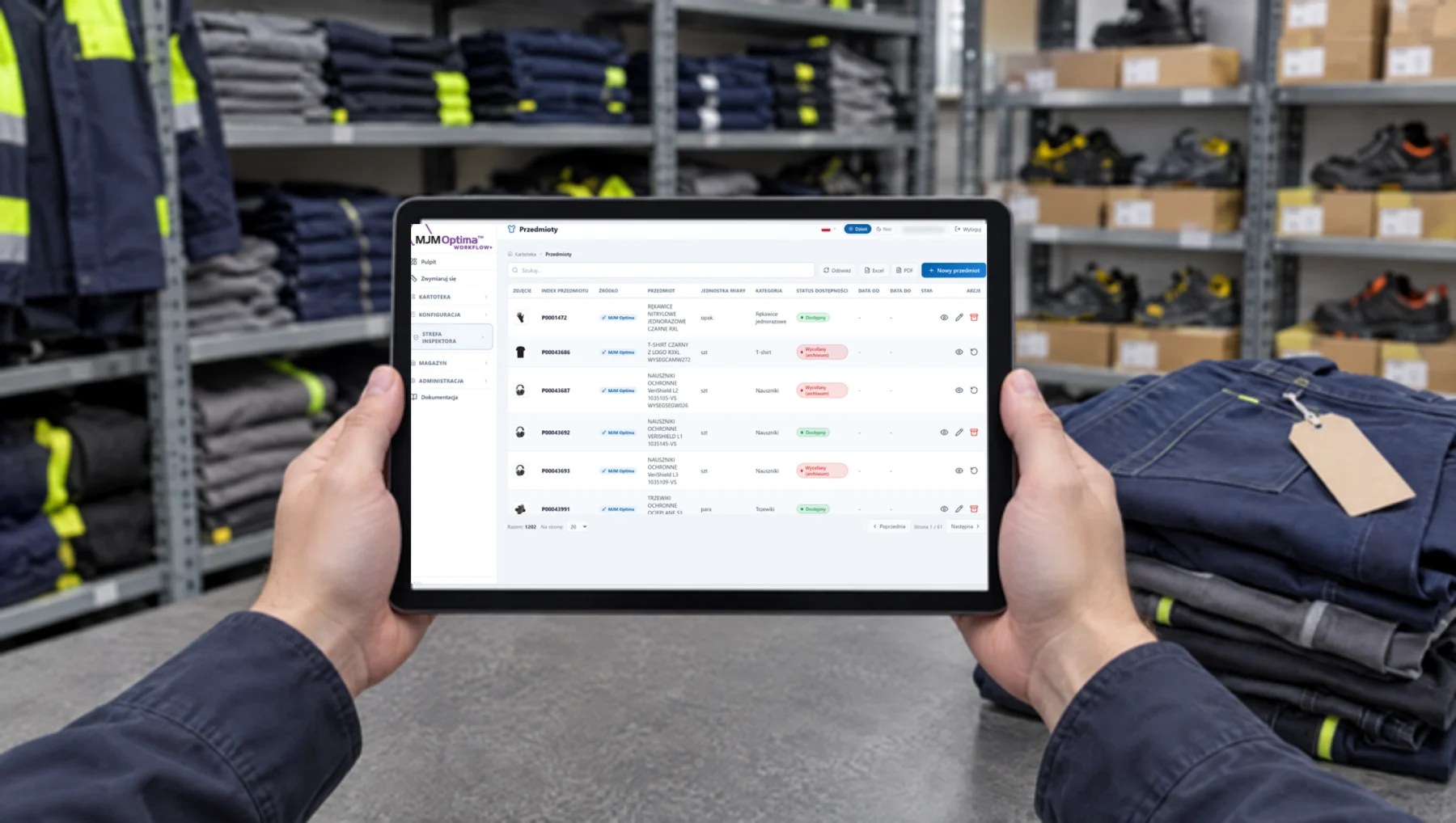
Issue with proof
Acceptance by the OHS officer and a signed receipt, a hand-over from the storeroom or a dispenser compartment that closes the order on its own.
- Storeroom with a movement ledger PZ, PW, WZ, RW, MM, stocktaking on a single sheet.
- Issue history who, what, when, in what size; export to Excel and PDF.
SmartFlow from the inside
Click to enlarge. SmartFlow screens with sample data.
Workwear in the app: frequently asked questions
How does the app know what an employee is entitled to?
From allocations: the norm is set once per job position, organisational unit or specific person, with a quantity and a period of use. The employee sees only what follows from it.
Does the employee choose the size themselves?
Yes. They log in on a phone or kiosk, see a photo of each item and choose the size piece by piece. The OHS officer does not walk round the shop floor with a sheet of paper, and the order is created from the chosen sizes.
What does proof of issue look like?
A hand-over from the storeroom has a signed receipt, and a collection from a dispenser compartment is recorded with the employee badge and the time. In both cases the history shows who got what, when and in what size.
Does SmartFlow work with our clothing catalogue?
Yes. We set up the catalogue from your spreadsheet or price list: item codes, size ranges, photos. The employee sees only the items assigned to their allocation. The scope and the ordering method are agreed at the audit.
Is this a separate program from the OHS app?
Yes. SmartFlow manages clothing and protective equipment; the OHS app tracks deadlines for medical examinations, training and permits. They work independently; in the demo we show which of them makes sense for you.
Can SmartFlow be tailored or built from scratch?
Yes. SmartFlow is our proposal for the clothing flow. We modify it to fit your norms, documents and storeroom, or write a dedicated app for the specific company.
Technical data
We agree the integration scope and configuration at the audit.
- Role
- workwear and protective equipment flow based on allocations
- Allocations
- per job position, organisational unit or person, with a validity period
- Sizing
- self-service, “sized” status once all sizes are in
- Orders
- manual from the employee record, partial, with sets; automatic every hour
- Issue
- acceptance by the OHS officer and a signed receipt, hand-over from the storeroom, collection from a dispenser compartment
- Stores
- movement ledger, PZ/PW/WZ/RW/MM, stocktaking, reservations
- Employees
- own records or a feed from the HR system (changes every 2 minutes)
- Reports
- order history, clothing issued, size preferences; Excel and PDF
- Master data
- own clothing and PPE catalogue with item codes, photos and size ranges; import from a spreadsheet
- Quote
- after the review
Interested? Book a demo
Tell us what you need. We will show you how the Workwear module works and prepare a quote — or pick a time for a call right away.
- A short callAbout what you need and how things look today.
- DemoThe Workwear module using your own examples.
- ProposalRollout scope and quote.